

Is your digital life a chaotic mess dragging down your day? Digital decluttering tips are gaining traction as a simple antidote to inbox overload and desktop disasters. Remote workers report up to 28% of their week lost to email alone, per a Harvard Business Review analysis. These strategies cut through the noise, sharpen focus and free up mental space. Experts from psychologists to tech pros back them. Ready for eight proven moves?
Why Digital Clutter Hits Hard
Digital hoarding fuels anxiety. Unused files, endless tabs and notification pings fragment attention. A report from the American Psychological Association links it to procrastination and burnout. The fix? Ruthless pruning. Start small. Workers who declutter report 20% more productivity. No more hunting for that one file amid the rubble. This isn’t just tidying. It’s mental reset.
Tip 1: Conquer the Email Inbox
Zero in on email first. Unsubscribe ruthlessly. Use filters to auto-sort newsletters into folders. Set a rule: reply or archive within 24 hours. Tools like Gmail’s multiple inboxes help. One exec cleared 15,000 messages in days. Result? Inbox at 20 items max. Block time daily for this. Watch stress melt away.
Tip 2: Wipe Your Desktop Clean

Desktop icons breed chaos. Limit to five essentials: browser, docs, trash, calendar, one folder. Drag everything else into a “Desktop Cleanup” folder, then sort later. Customize your wallpaper to stay motivated. Mac users hit F11 for Mission Control. Windows folks right-click and sort by date. Clean slate achieved in 10 minutes.
Tip 3: Hunt Down Unused Apps

Audit your phone and computer. Delete apps opened less than monthly. Check usage stats in settings. Average users hoard 40 dormant ones. Free up gigs of space. On iOS, long-press and remove. Android? Long-press home screen. Reinstall only if needed. Lighter devices run faster. Bonus: fewer temptations.
Tip 4: Master File Organization

Create a folder hierarchy: Year/Month/Project. Rename files clearly, like “2023_Q3_Report_v2.pdf”. Use search tools like Everything for Windows or Spotlight on Mac. Cloud services like Dropbox auto-sync. Ditch duplicates with apps like dupeGuru. Pro move: color-code folders. Files now findable in seconds.
Tip 5: Silence Notification Overload
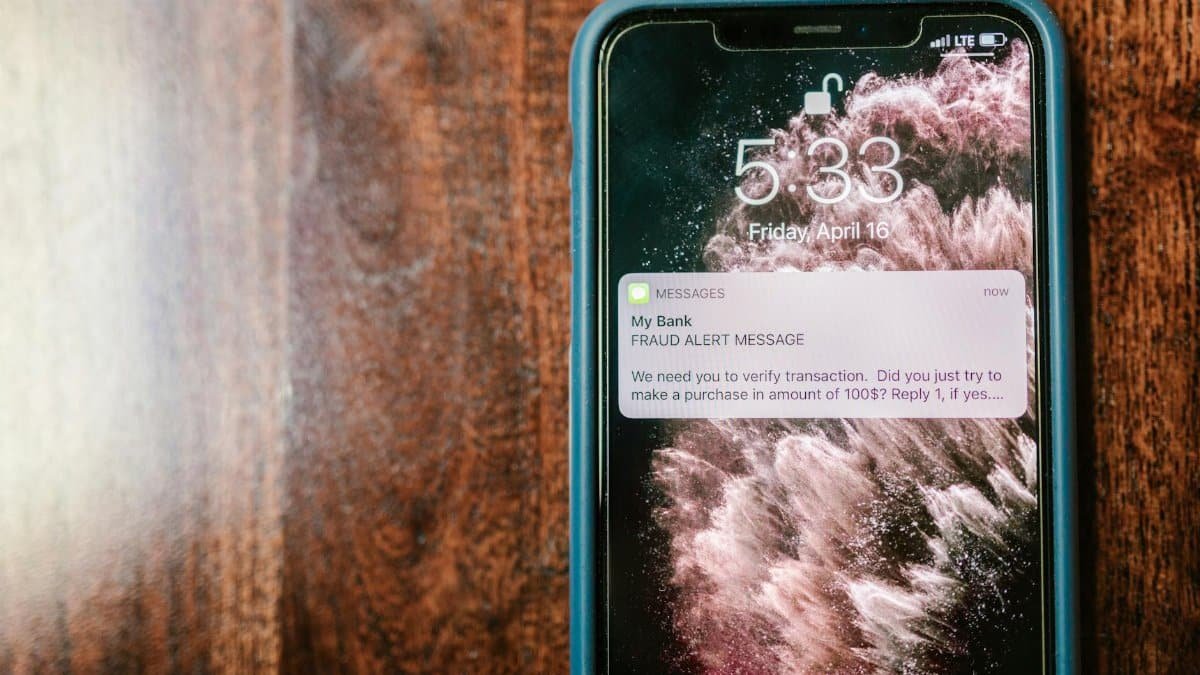
Notifications hijack focus. Turn off non-essentials. iPhone? Settings > Notifications, toggle off social apps. Customize Do Not Disturb schedules. Desktop? Windows Focus Assist or Mac Do Not Disturb. Allow only Slack or texts from VIPs. One study shows this boosts deep work by 40%. Peace restored.
Tip 6: Close Unused Browser Tabs
Tab hoarding kills RAM. Install OneTab or Toby extensions to collapse them into lists. Rule: five tabs max per window. Bookmark keepers. Close shopping carts from last week. Restart browsers weekly. Speed surges. Multitaskers swear by it. Your brain thanks you.
Tip 7: Purge Old Accounts and Photos

Old logins are security risks. Use LastPass audit or browser tools to list them. Delete via account settings. Photos? Use Google Photos or Apple libraries to scan duplicates. Backup keepers to external drives. Aim for under 10,000 images. Services like Cleanup.pictures automate. Lighter library, clearer memories.
Tip 8: Build a Weekly Maintenance Routine

Declutter sticks with habit. Sunday evenings: 15 minutes to empty downloads, run disk cleanup, update software. Set calendar reminders. Track progress in a simple note. Apps like Habitica gamify it. Long-term users see sustained calm. Make it non-negotiable. Your future self thrives.
These digital decluttering tips transform overload into order. Tech giants push more features, but you control the chaos. Start today. Productivity soars, stress plummets. Millions already prove it works.

Natasha is the heart of our exploration into conscious connection. Applying principles from multiple counseling courses in her own life, she guides you to cultivate stronger, more joyful bonds.
Disclaimer
The content on this post is for informational purposes only. It is not intended as a substitute for professional health or financial advice. Always seek the guidance of a qualified professional with any questions you may have regarding your health or finances. All information is provided by FulfilledHumans.com (a brand of EgoEase LLC) and is not guaranteed to be complete, accurate, or reliable.